
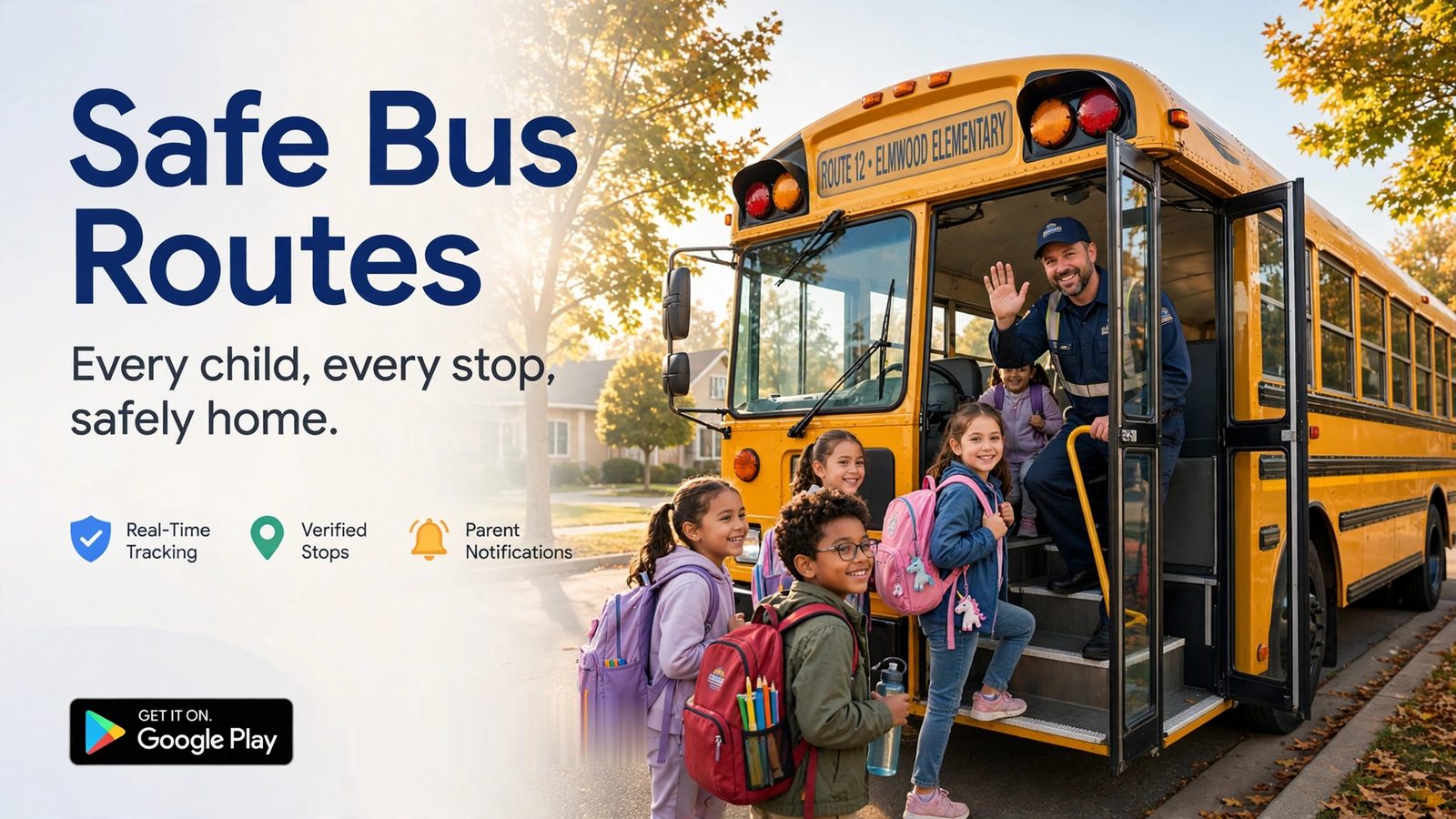
Every child, every stop,
safely home.
Safe Bus Routes is the school bus app that talks the driver through the route, keeps track of every child, and keeps parents informed — in six languages.
Developed by President Pastor Dr. Robert E Hale to raise funds for the Vision of Withered Hand Ministries, Inc.
How it keeps children safe
A spoken guide, simple boarding, and safety rules built in — so the driver can keep eyes on the road and every child is accounted for.
Turn-by-turn, out loud
Distance to the next stop or turn, left or right, and approaching stops — and the guide speaks each child’s name at their stop, in the driver’s own language.
Hear the name, answer yes or no
At each stop the driver hears each child’s name and answers “yes” (boarded), “no” (did not board), or “next”. The afternoon drop-off list builds itself from the morning run, in reverse order.
Silent ringer, Do Not Disturb
The app will not run unless the ringer is on silent and Do Not Disturb is on. Calls are blocked while the bus is moving, except 911. A speed alert warns at 4 mph over the posted limit.
One big red button
A big red emergency button on the drive screen sends the bus’s location to the administrator and to the parents of the children on that run.
Works offline
When the phone loses signal, answers are saved on the phone first and sent automatically when signal returns. The guide keeps working from the loaded route.
One tap to navigate
A button opens the stop in Google Maps with live directions from where the bus is — including long routes split into parts, so every stop fits.
For drivers, parents, and schools
One app for the whole route — the driver, the parents waiting at home, and the people who run the buses.
For the driver
Routes upload straight from the route sheet (PDF or text). Stops, names, and turn directions come with it. The guide, the boarding check, and the end-of-run walk-the-bus check keep every child accounted for.
For parents — free
See the live bus on a map when it is near your child’s stop, and get notices when your child boards, is dropped off, or the bus is approaching. Mark your child absent, message the driver, and report a missed child — in your own language.
For schools & districts
Administrators approve the ads, manage drivers, parents, and monitors, and see the fleet live. A monitor account can read and hear messages and call approved numbers while the bus is moving or stopped.
Simple pricing
Free to download. Drivers get a 14-day free trial, then $2.00 a month or $20.00 a year. Parent accounts are always free.
Drivers
$2/month
or $20 a year · 14-day free trial
Full guide, boarding, emergency button, fleet, and reports.
Parents
Free
always — no trial, no charge
Live bus near your child’s stop, boarding and drop-off notices, messaging.
A 30-second sponsor message, approved by the administrator, plays after login and at the end of each route — never while the bus is moving.
Six languages, one app
The whole app — screens, spoken guide, and parent notices — in English, Spanish, French, Portuguese, Arabic, and German. More languages on request.
Children’s privacy comes first
Children never use the app and never create accounts. Their information is shared only with their own driver, their own parents, school bus administrators, school boards for overview, and law enforcement when required — nobody else.